
PHP's default timezone is modified by the date_default_timezone_set() function after WordPress loads, which can affect the correct calculation of dates and times.
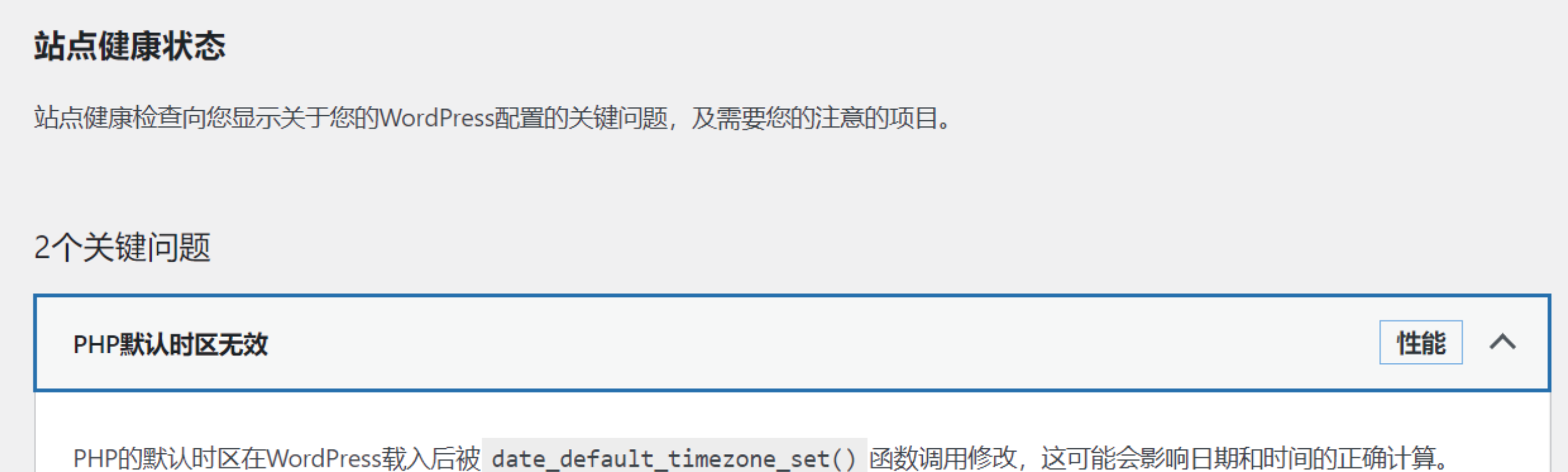
This is mainly caused by the timezone mismatch of the host where WordPress is located, or the host time is incorrect! Incorrect time will affect the posting time of WordPress articles, indirectly having a certain impact on SEO.
Searching for this, there are a bunch of solutions, such as modifying the PHP timezone in the PHP configuration file to:
date.timezone = "Asia/Shanghai"Or modifying by adding to WordPress's wp-config.php:
date_default_timezone_set('Asia/Shanghai');Neither works.
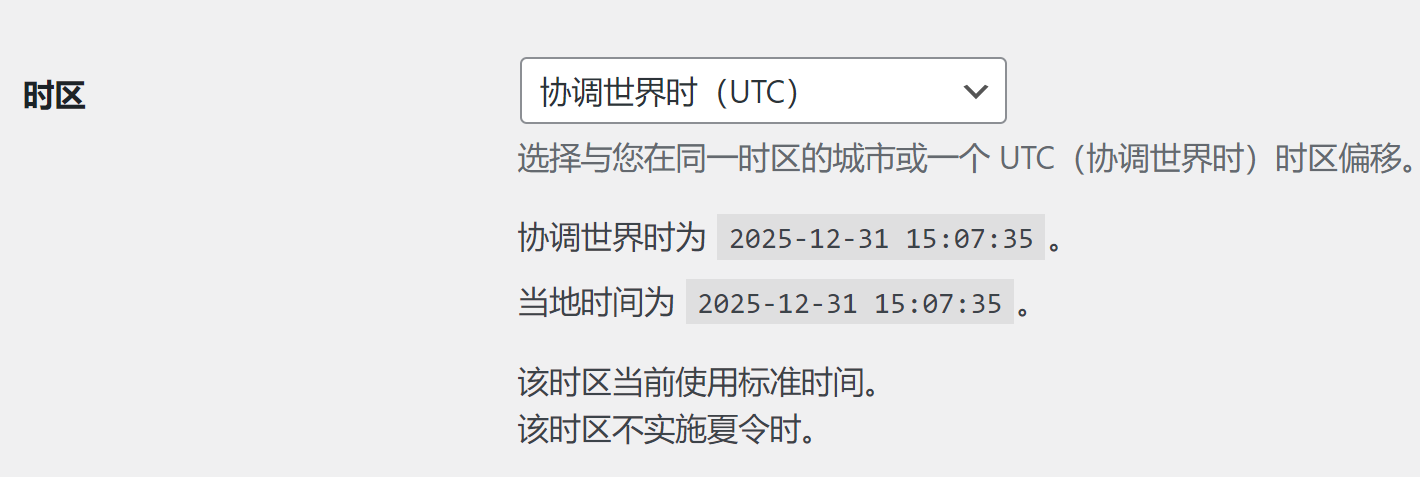
Later, I directly modified WordPress's General Settings and it worked, no need to modify files at all.
Comentarios por párrafo 0 · moderado
Comentarios 0 · moderado